Pixels
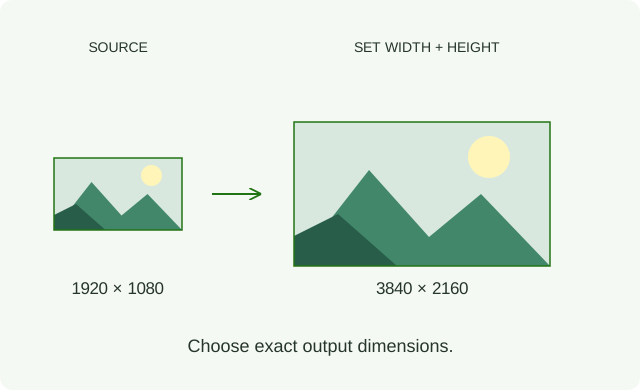
Pick a resolution preset or enter the width and height. Choose Stretch, Fit inside or Fit outside to control how the image fits the target frame.
For a specific delivery size.
Classic resampling filters, powered by your GPU.
Choose the method that fits your image.
GPUResize 2 works in Premiere Pro, After Effects and DaVinci Resolve (OFX). Resolve setup: included Fusion macro ↗
22 resampling methods, from classic to advanced.
From Bilinear and Mitchell to Lanczos, pixel art and Content-Aware.
| Filter | Where it comes from, what it does | Pick it for |
|---|---|---|
| Nearest | Copies the single closest source pixel, so no new colors ever appear. Blocks stay blocks, which is exactly what masks, pixel art and index-like data want. Aka Impulse in Nuke. | Masks, exact values |
| Bilinear | Hardware-style interpolation: matches ordinary GPU linear texture filtering by blending the four nearest pixels. Smooth, with a fixed sampling footprint that can miss fine detail when shrinking. | Previews, quick scaling |
| Triangle | Scale-aware tent filtering: the same linear weighting as Bilinear when enlarging, but a wider source footprint when shrinking. A practical antialiased reduction rather than a fixed four-pixel blend. | Soft downscaling |
| Area | Averages the source coverage of an output pixel. A useful starting point for reducing fine patterns; it can reduce aliasing but does not guarantee a moiré-free image. On an enlarged axis it uses linear interpolation. | Downscaling texture |
| Notch | A broad, flat-topped cubic blend (B = 1.5, C = -0.25). It can quiet repeating patterns without adding ringing, but also softens wanted detail. Compare it with Parzen rather than treating softness as a fixed ranking. | Moiré, screen patterns |
| Parzen | A cubic B-spline (b = 1, c = 0), used directly as smoothing weights. Broad, positive weights soften transitions without adding ringing. This is a smoothing reconstruction, not an interpolating spline with a coefficient prefilter. | Soft, halo-free edges |
| Bell | Combining three box averages gives a rounded quadratic B-spline, often mistaken for a Gaussian. It smooths transitions without adding sharpening halos. | Gentle smoothing |
| Cubic | The plain Hermite cubic (B = 0, C = 0): an eased blend between the two nearest pixels on each enlarged axis. Smooth transitions without ringing. Cubic is also Nuke's default filter; that is a host choice, not a quality guarantee. | Smooth upscaling |
| Mitchell | Mitchell and Netravali's 1988 study explored the balance between blur, jaggies and ringing. The B = C = 1/3 recipe is a useful compromise to try on photos, with some smoothing and possible mild halos. | Balanced starting point |
| Keys | Robert G. Keys published his cubic-convolution analysis in 1981. This b = 0, c = 1/2 setting is also known as Catmull-Rom; it produces crisp transitions with possible halos at hard edges. | Crisp graphics |
| Simon | Named for K. W. Simon's resampling work. Its B = 0, C = 0.75 curve joins smoothly in curvature, giving stronger edge contrast than Keys, with a greater risk of visible outlines. | Sharper graphics |
| Rifman | The sharpest cubic of the family (b = 0, c = 1), named after Samuel Rifman’s 1973 work on resampling satellite imagery. Expect visible halos on hard edges; pair it with Clamp Ringing. | Maximum cubic sharpness |
| Lanczos 6 | A sinc tapered by another sinc, associated with Cornelius Lanczos's sigma factors and Claude Duchon's 1979 filtering paper. Radius 3, width 6: often called Lanczos 3 where names count radius/lobes instead of full width. | Sharp all-rounder |
| Lanczos 8 | Radius 4, width 8. A wider neighborhood changes the balance of detail, alias rejection and ringing. Compare it with Lanczos 6; the extra samples are not automatically an improvement. | Fine texture |
| Lanczos 12 | Radius 6, width 12: a wider version of the same Lanczos construction. It changes fine detail and can spread ringing farther around an edge; a larger number is not a quality score. | Detail experiments |
| Kaiser | A sinc tapered by James Kaiser's Bessel-based window, from digital signal processing. A different taper from Lanczos at the same radius of 3; compare edge texture and halos rather than assuming one always rings less. | Alternative to Lanczos 6 |
| Sinc 4 | The raw sinc, cut off two pixels either side with no window at all, as RenderMan and Nuke define it. Hard, glassy edges with strong ringing: the reference point the windowed filters are softened from. | Hardest edges |
| EWA LanczosSharp | Uses a radial, windowed-jinc kernel with a sharpening adjustment associated with Nicolas Robidoux. The circular or elliptical footprint treats diagonal detail differently from separate row and column filtering. | Diagonals, uneven scale |
| FSR 1 EASU | AMD’s Edge-Adaptive Spatial Upsampling, open-sourced in 2021 to upscale games in real time. It reads local edge direction and rebuilds contours along it. | Clean-edged upscaling |
| Pixel - Scale2x | Andrea Mazzoleni developed Scale2x for AdvanceMAME in 2001; its rule is related to LucasArts' earlier EPX. GPUResize adapts the neighbor-copying rule to requested dimensions, with adjustable color tolerance. | Enlarging pixel art |
| Pixel - Eagle | A late-1990s emulator filter that rounds corners by comparing three neighbors. Letters and single-pixel details can blob together. | Retro sprites |
| Content-Aware | Changes where content goes rather than how neighbors blend: an importance map decides which areas may be squeezed. Protect alpha makes transparency boundaries count too. | Changing aspect ratio |
Explore all 22 filters in depth ↗
When to use each method, where it comes from, and enlargement and reduction examples.
Compare Nearest, Scale2x, Eagle and FSR 1 EASU on the same pixel artwork. Choose a method on each side and drag to explore the edges.
Explore how Bilinear and Area handle a reduction.
The right choice depends on the image and the task.
Compare sharpening off, RCAS and Unsharp Mask after the same resize. Try 50% or 100% in this comparison. In the plug-in, Amount goes up to 200%. Sharpening changes local contrast; judge the texture and edges together.
A whole resize sequence. One Iterations control. Stair-step scaling — also called incremental resizing — breaks an upscale or downsample into smaller steps. Explore up to 16 GPU-accelerated passes without stacking effects or scripting intermediate sizes.
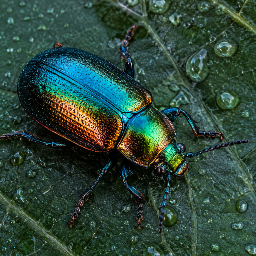
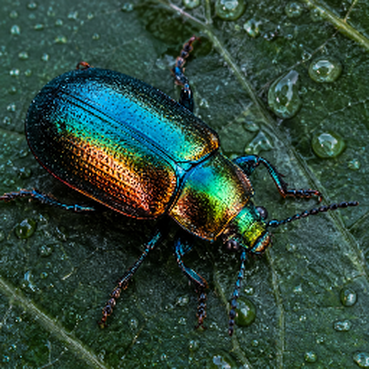
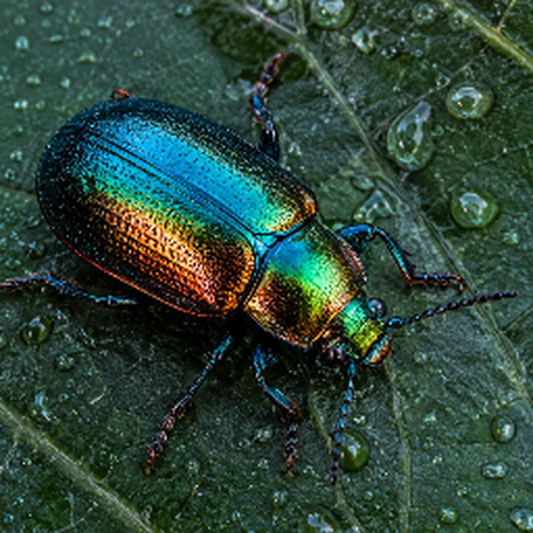
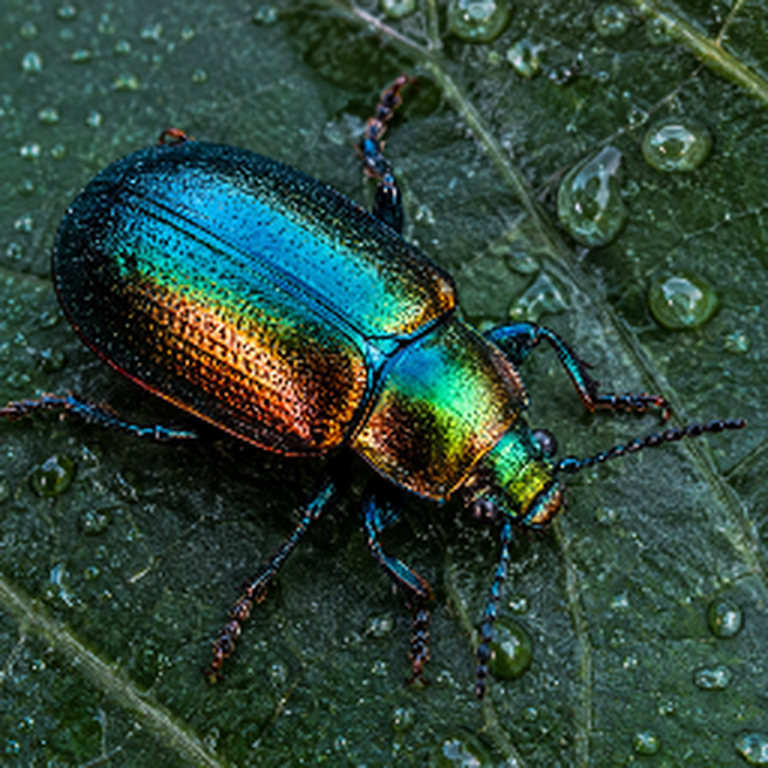
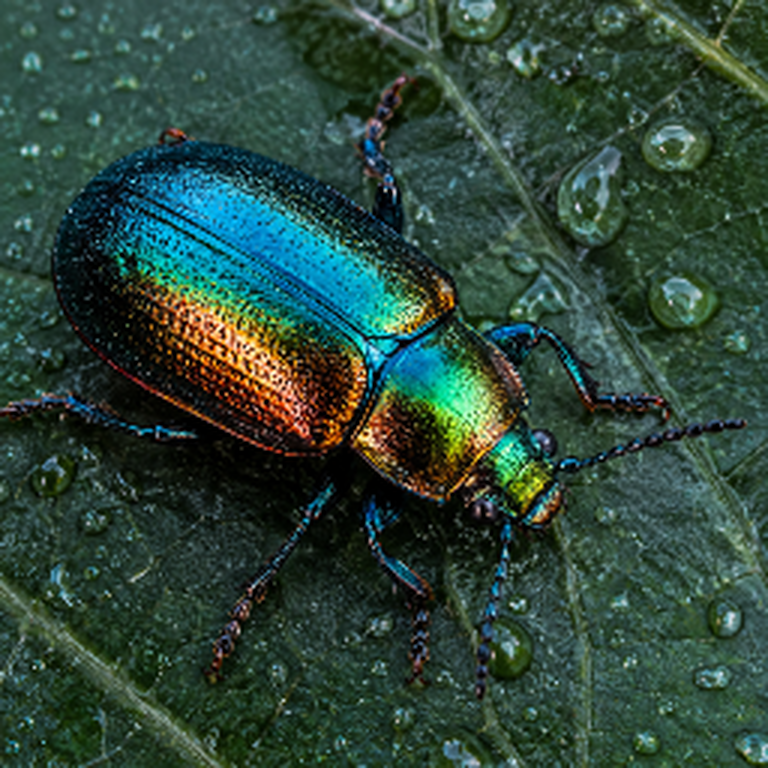
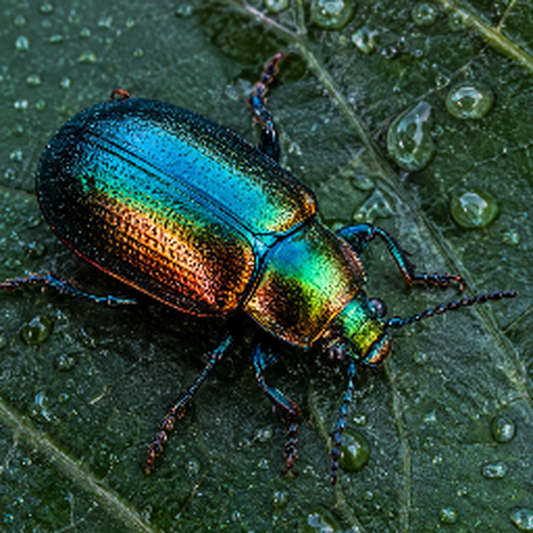
Reduce in stages · Bilinear · 1536 → 256 px
Large reductions can turn fine lines and repeating patterns into aliasing or moiré. Try several smaller reductions and watch how those patterns change. This Bilinear example makes the difference visible; also compare a single-pass Area downsample in the filter demo above.
Enlarge in stages · Lanczos 6 · 256 → 768 px
For HD to 4K upscaling or a larger enlargement, stairstep gives you another way to shape the result. Compare edge smoothness, ringing (halos) and fine texture: repeated filtering can soften detail as well as change contours. It does not recover detail missing from the source.
Judge the shot, not the pass count. Check at 100% output size and in motion at your delivery resolution. Extra local contrast can look sharper without adding detail, and some filters can build up halos over repeated passes. Keep the source, filter and working color space consistent when comparing. Then compare single-pass resizing with post-resize sharpening, too. These previews are scaled to fit your screen.
Push Content Aware into expressive distortions. Sweep multipass from 1 to 16 and back while the output dimensions stay fixed. Let the image bend, stretch and shift.
Output: 384 × 512 → 192 × 512, displayed at the original width for comparison. Footage: Ron Lach / Pexels.
Four output modes: set dimensions in Pixels, scale by Percentage, reshape with Free Distort, or pixelate with Mosaic.
Pick a resolution preset or enter the width and height. Choose Stretch, Fit inside or Fit outside to control how the image fits the target frame.
For a specific delivery size.
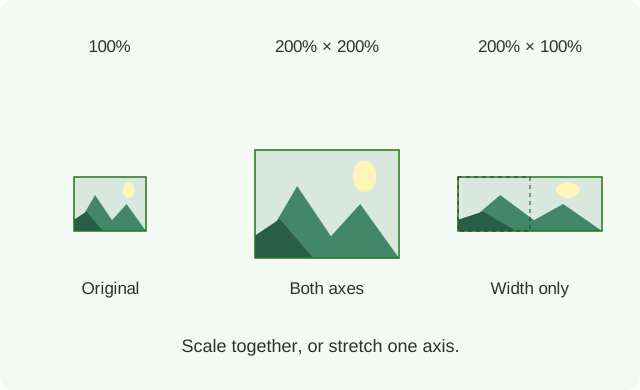
Scale relative to the source dimensions. Set width and height percentages independently: double both dimensions, reduce them by half, or stretch just one axis.
For the same relative resize across different source sizes.
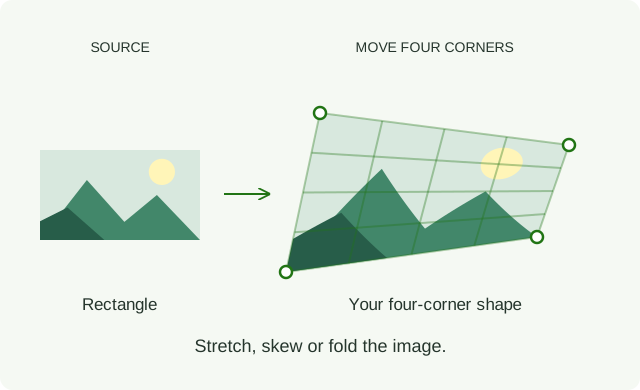
Move the four corners independently to stretch, skew or fold the image. Choose the resampling filter for the transformed image.
For custom shapes and creative distortion. Iterations resizes the image in steps, then applies your four-corner shape once. More passes change the filtering, not the shape.
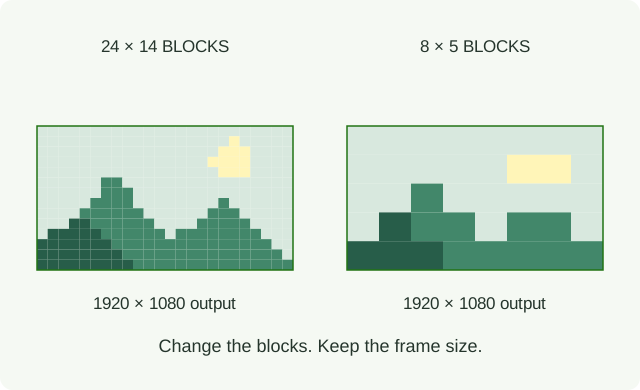
Set Horizontal Blocks and Vertical Blocks to pixelate the image while keeping its original size and position. Animate the counts for changing block sizes; fractional values make the transition smooth.
Choose a resize filter and Iterations for the reduction, then a Restore method to bring it back. Nearest gives visible blocks. Use a masked copy over the original to mosaic a selected region.

CHOOSE YOUR SIZE MODE
Iterations applies up to 16 filtering passes, including passes at the same size. Free Distort applies the corner shape once at the end. Mosaic adds one restoration pass. Post-sharpen runs once, after the complete process.
Choose your output mode. Set dimensions in Pixels, scale by Percentage, reshape with Free Distort, or pixelate at the original frame size with Mosaic.
Multipass downscale. Reduce through intermediate sizes.
Stairstep upscale. Enlarge in progressive steps.
Post-sharpen. Finish with optional RCAS or Unsharp Mask.
Clamp Ringing. Limit bright and dark overshoot around strong edges.
Filtering space. Choose Original, Degamma 2.2, Log or Lab for different ways of mixing colours. These are interpolation choices, not automatic colour-profile conversions.
Choose your settings, compare the results—no single filter suits every image.
Read the manual